7 Key Facts About Chrome's Mysterious weights.bin File (And What Google Says)
If you use Google Chrome on a desktop computer, you might have noticed a large file called weights.bin appearing on your system. Recent chatter online sparked concerns that this file could be spyware or a virus, but Google has now clarified the situation. In fact, weights.bin is part of Chrome's on-device AI capabilities, specifically the Gemini Nano model. Below, we break down everything you need to know about this controversial download, why it exists, and how you can manage it.
1. What Is weights.bin and Why Is It So Large?
weights.bin is a multi-gigabyte file that Chrome automatically downloads to your Windows, macOS, or Linux computer. The file contains the trained neural network weights for Google's Gemini Nano, a lightweight AI model designed to run directly on your device. Because AI models store the mathematical parameters that define their behavior, the file size can exceed 1 GB depending on the model's complexity. This large size is normal for local AI models – it's the price you pay for having intelligent features without sending your data to the cloud.
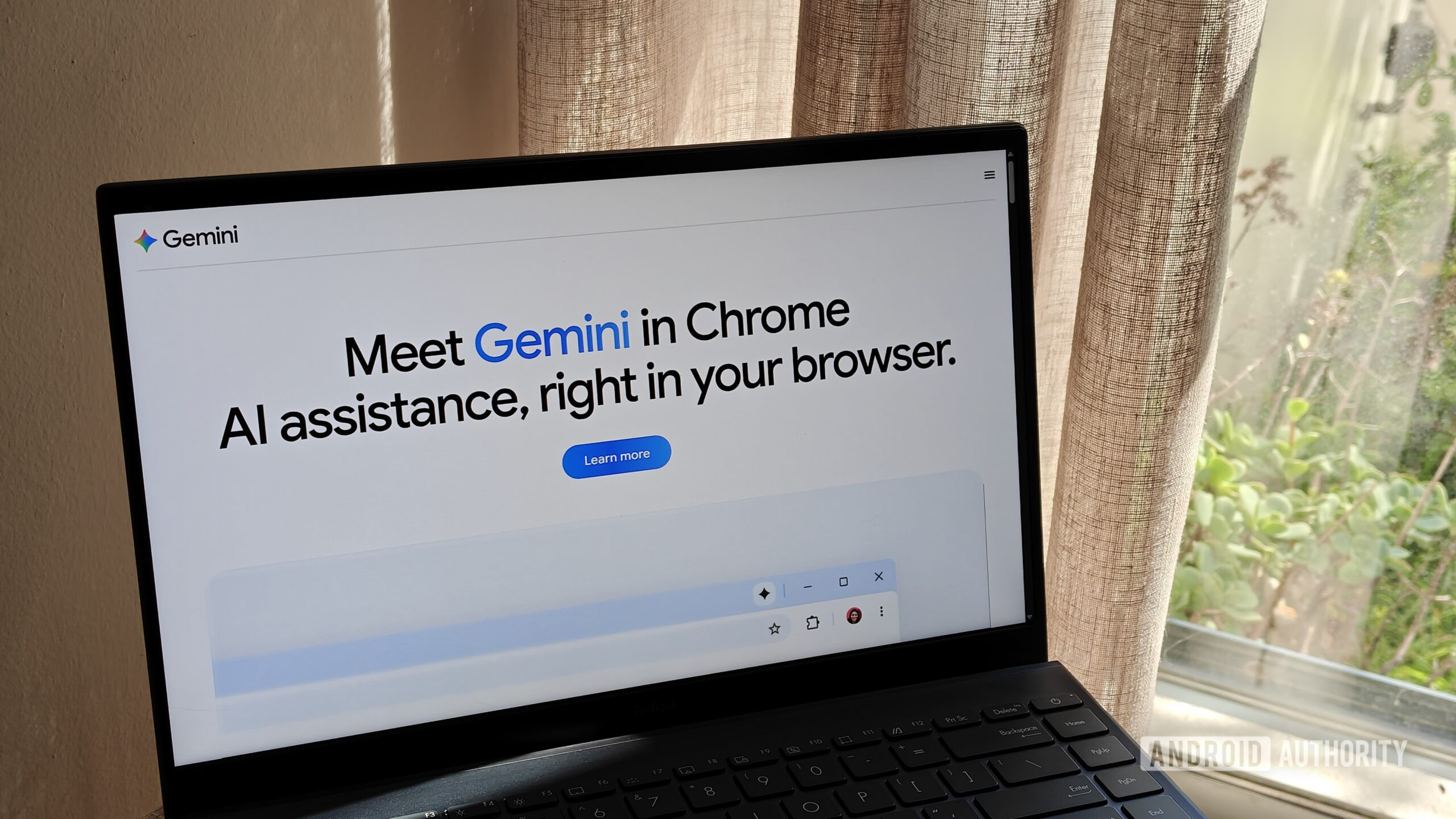
2. It's Not Malware – It's Google's Gemini Nano Model
Despite rumors floating around online, weights.bin is not a virus, trojan, or any kind of malicious file. Google officially confirms that this file is the core of Gemini Nano, a small but powerful AI engine that runs locally on your machine. Gemini Nano first debuted in Chrome in 2024, and it enables features like real-time scam detection and developer APIs – all processed offline. The file itself is safe and signed by Google, so your security isn't at risk. The confusion likely stems from the file's cryptic name and the surprise of seeing a large, unexplained download.
3. Why Does Chrome Download It Automatically?
By default, Chrome initiates the weights.bin download on desktop systems to prepare the browser for on-device AI features. Google's goal is to provide a seamless experience – when a user later needs an AI function (like detecting phishing emails or using a web developer's AI tool), the model is already available without any waiting. The download occurs in the background, often during idle time, and doesn't interrupt your browsing. However, Google never explicitly asked for permission before starting the download, which is a key reason why many users felt surprised or suspicious.
4. On-Device AI Benefits: Privacy and Speed
Running Gemini Nano locally offers clear advantages. First, privacy – because the AI processes data entirely on your computer, no sensitive information ever leaves your device. Google says this powers important security features like scam detection without sending your data to the cloud. Second, speed – local inference is much faster than waiting for a round trip to a remote server. For developers, APIs that leverage Gemini Nano can create responsive, real-time applications. In short, the trade-off is a bit of disk space for enhanced privacy and performance.
5. Automatic Removal When Resources Are Low
One built-in safeguard is that Chrome will automatically uninstall the weights.bin model if your device is low on disk space or memory. This ensures that the AI model doesn't cause system instability or fill up your drive. Google's spokesperson explained: “The model will automatically uninstall if the device is low on resources.” So even if you ignore the file, Chrome will clean it up when necessary. This is part of a responsible design, but users who want immediate control have other options – as we'll see in the next section.
6. Google's New Option to Disable and Delete weights.bin
In response to user feedback, Google began rolling out an easier way to manage weights.bin directly in Chrome settings starting in February 2024. You can now navigate to Settings > Privacy and security > AI features (or similar, depending on your version) and toggle off the download. Once disabled, “the model will no longer download or update,” and you can delete the existing file from the same interface. This puts control back into your hands, allowing you to reclaim disk space if you don't need on-device AI. Look for the option labeled something like “Enable on-device AI” or “Gemini Nano.”
7. The Future: More AI Features, More Transparency?
Google's statement indicates that Gemini Nano is here to stay, and it will likely power an increasing number of features in Chrome – from smarter autofill to real-time language translation. To avoid future controversy, Google may need to be more transparent about large background downloads. Offering a clear opt-in during the initial setup could prevent misunderstandings. For now, users who are concerned can easily disable the model using the new settings option. As AI becomes more integrated into everyday browsing, striking a balance between functionality and user control will be crucial.
This article originally addressed the surprise many felt upon discovering the large file. With Google's official clarification and the new deletion feature, users can make an informed choice about whether to keep Gemini Nano active or remove it.
Related Articles
- How to Get the Most Out of Grafana 13: A Step-by-Step Guide
- 10 Key Updates for .NET Developers in Ubuntu 26.04
- Navigating the Apple Intelligence Settlement: A Step-by-Step Guide to Claiming Your Compensation
- Bridging the Gap: Why Good Designers Create Inaccessible Websites and How to Fix It
- 10 Key Insights into Building an Interactive Merkle Tree Visualizer
- Designing with Heart: Bridging the Gap Between Intent and Accessible Websites
- Stack Overflow's Leadership Transition: A New Era for the Developer Community
- Understanding the 2024 Supreme Court Decision on Voting Rights and Racial Gerrymandering: A Guide to the Louisiana v. Callais Case