Comprehensive Guide to Enabling FSR 4 on Radeon RX 7000 and RX 6000 Series Graphics Cards
Overview
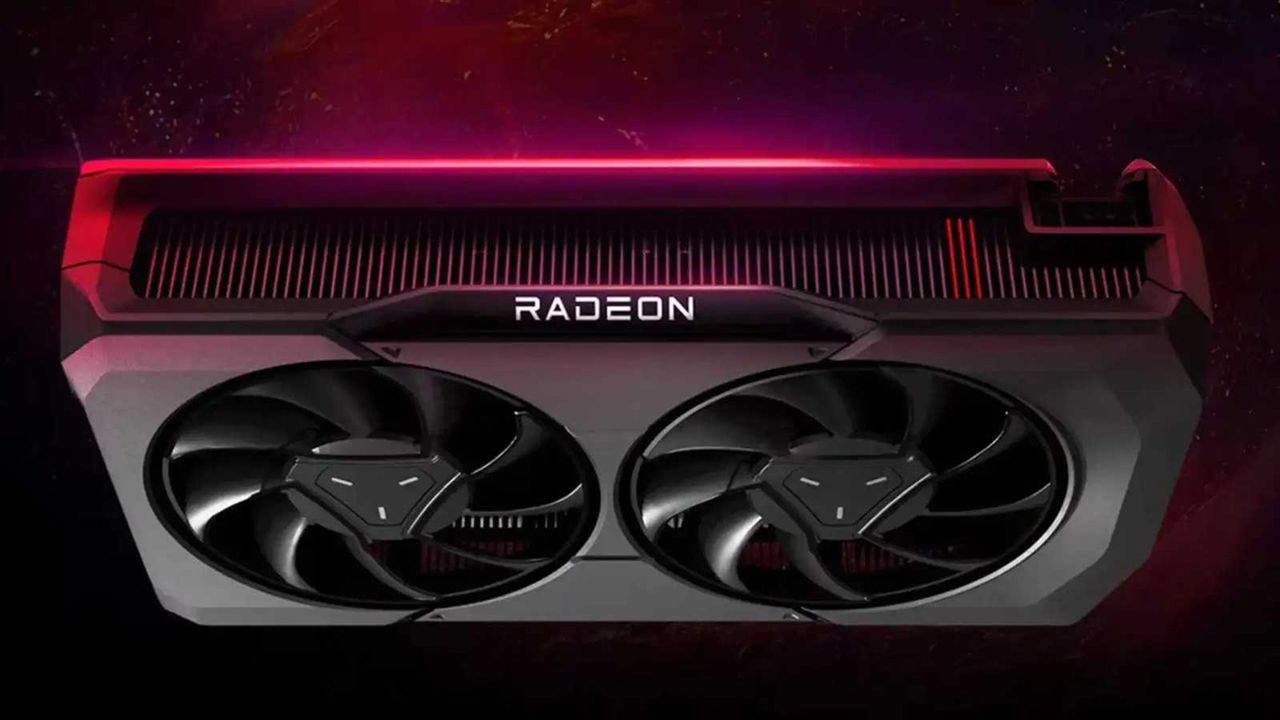
AMD's FidelityFX Super Resolution 4 (FSR 4) represents the latest advancement in upscaling technology, delivering sharper visuals and improved performance in supported titles. Initially exclusive to the RX 9000 series, AMD has now officially announced that FSR 4 will be coming to Radeon RX 7000 (RDNA 3) and RX 6000 (RDNA 2) cards in the coming months. This guide covers everything you need to know to prepare for and enable FSR 4 on your older Radeon GPU, including current unofficial methods derived from a source code leak and the forthcoming official driver support.
Prerequisites
Before attempting to enable FSR 4, ensure your system meets the following requirements:
- GPU: AMD Radeon RX 6000 series (RDNA 2) or RX 7000 series (RDNA 3). Note: RX 5000 and older are not supported.
- Driver: Latest AMD Adrenalin driver installed version 24.x.x or higher (check AMD's website for updates).
- Operating System: Windows 10 version 20H2 or later, or Windows 11.
- Supported Games: Any title that natively supports FSR 3 (FSR 4 will be backward compatible with FSR 3 implementations).
- Unofficial Method: For those who want to try FSR 4 before the official release, you will need a modified version of the AMDFSR4.dll file (from the source code leak) and a tool to replace the game's default DLL. Proceed at your own risk – using unofficial files may violate game EULAs and can cause stability issues.
Step-by-Step Instructions
Step 1: Verify Your GPU and Driver
Confirm your graphics card is an RX 6000 or RX 7000 series card. Open Device Manager (Win + X → Device Manager) and expand 'Display adapters'. Alternatively, use the AMD Software: Adrenalin Edition > Performance > Tuning tab. Ensure you have the latest stable driver installed – version 24.10.1 or newer recommended for best compatibility with FSR 4.
Step 2: Obtain the Unofficial FSR 4 DLL (Optional – for early access)
If you cannot wait for the official update, you can obtain the modified FSR 4 DLL from community sources. Note: AMD has not endorsed these files. Search trusted forums (e.g., Reddit, Guru3D) for “FSR4_RDNA2_RDNA3_DLL” – ensure the download is from a reputable source to avoid malware. The file is typically named AMDFSR4.dll or FSR4.dll.
Step 3: Replace the Game's FSR 3 DLL with FSR 4 DLL
- Navigate to your game's installation folder (e.g.,
C:\Program Files\Steam\steamapps\common\GameName\). - Locate the existing
AMDFSR3.dllorFSR3.dllfile. Back it up by copying it to another folder. - Rename the downloaded
AMDFSR4.dllto match the original file name (e.g.,AMDFSR3.dll) and replace the original file. - Launch the game and enable FSR from the graphics settings – the game should now use the FSR 4 algorithm even if it only shows 'FSR 3' in the menu.
Code example – PowerShell script to automate backup and replacement (run as Administrator):
$gamePath = "C:\Path\To\Game"
$backupPath = "C:\Backup"
Copy-Item "$gamePath\AMDFSR3.dll" -Destination "$backupPath\AMDFSR3_backup.dll"
Copy-Item "C:\Downloads\AMDFSR4.dll" -Destination "$gamePath\AMDFSR3.dll" -Force
Write-Host "FSR 4 DLL placed. Launch game and test."
Step 4: Transition to Official Support (When Available)
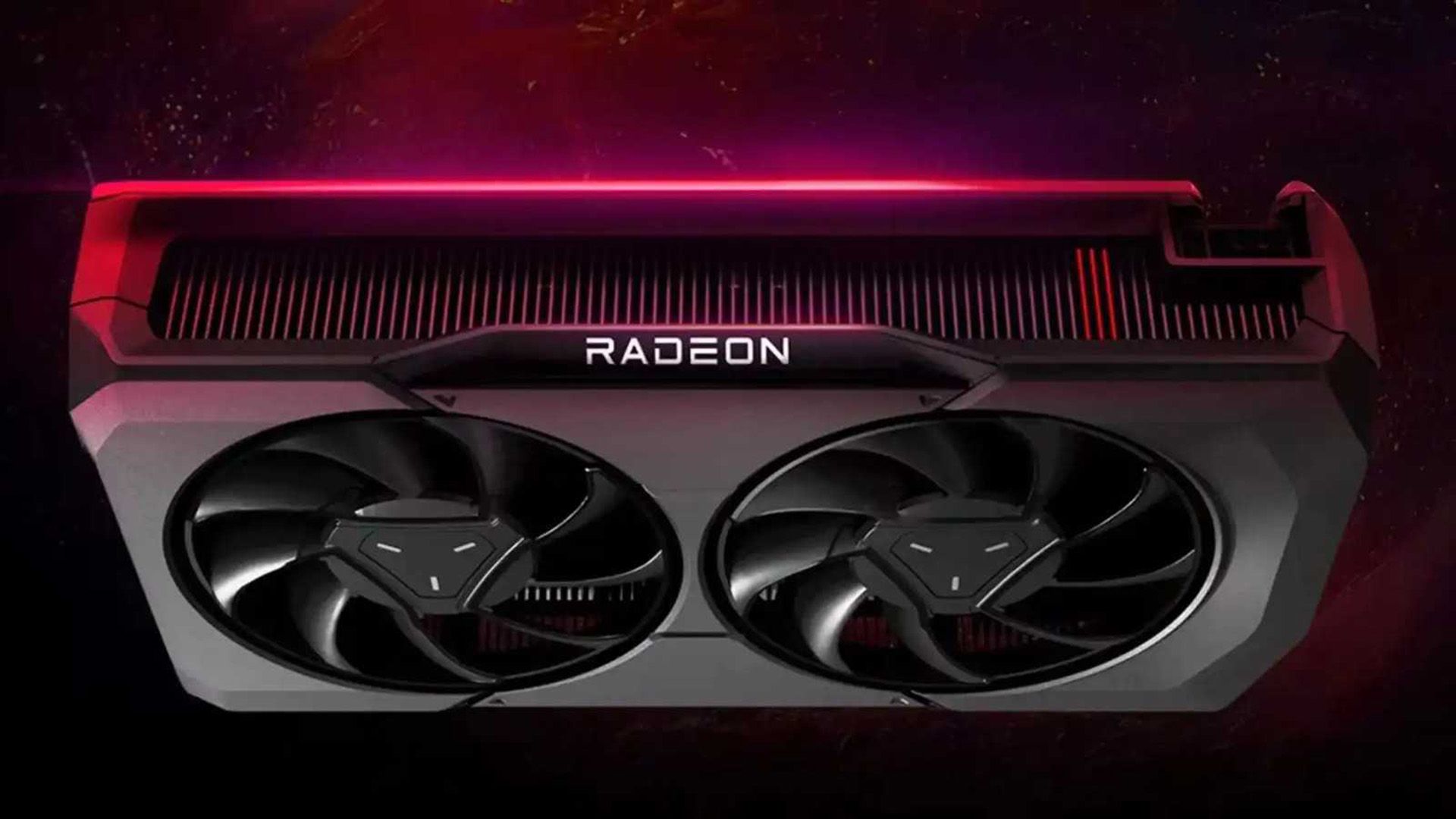
Once AMD releases the official FSR 4 driver for RX 6000/7000 series (expected within 2–4 months), follow these steps:
- Uninstall any modified DLLs – restore the original game files from backup or verify game integrity via Steam/Epic.
- Download and install the new AMD Adrenalin driver from AMD's support site.
- In the driver's gaming profile, you may need to enable 'FSR 4' under the 'Display' or 'Upscaling' settings globally or per-game.
- Launch a supported title – FSR 4 will now be automatically offered in the upscaling options if the game supports FSR 3 (backward compatibility).
Step 5: Verify FSR 4 Is Active
To confirm FSR 4 is running, look for visual improvements: sharper edges, reduced ghosting, and better stability at lower resolutions. Some tools like Radeon Overlay (Alt+R) may show the upscaling method as 'FSR 4' in the performance metrics. Additionally, you can capture screenshots and compare side‑by‑side with FSR 3 to spot the difference.
Common Mistakes
- Using the wrong DLL version: Ensure the FSR 4 DLL you downloaded is specifically for RDNA 2/RDNA 3. Using an RX 9000‑only variant may cause crashes or no visible change.
- Forgetting to back up original files: Without a backup, reverting to FSR 3 may require a game reinstall. Always keep the original DLLs.
- Enabling FSR 4 in unsupported games: Some older titles with custom FSR implementations may not accept the unofficial DLL. Stick to games that originally supported FSR 3.
- Neglecting driver updates: The unofficial method may conflict with new official drivers – update drivers before installing the leaked DLL, or uninstall the modified DLL first when the official version arrives.
- Expecting identical performance: FSR 4 may tax the GPU slightly more than FSR 3; if you see frame drops, consider dropping one quality tier or waiting for official optimization.
Summary
AMD's official roll‑out of FSR 4 to Radeon RX 6000 and RX 7000 series cards marks a significant upgrade for gamers using older RDNA architectures. While early adopters can experiment with a community‑derived DLL, the stable path is to wait for the upcoming driver update. This guide provides clear, safe steps to prepare your system and, if desired, test the unofficial implementation now. Remember to back up files, verify compatibility, and transition to official support as soon as it drops. With FSR 4, your RDNA 2 or RDNA 3 GPU can deliver visuals closer to native resolution at a fraction of the performance cost.
Related Articles
- Analog Devices Acquires Empower Semiconductor in $1.5B Bet on AI Power Efficiency
- Asus ROG Zephyrus Duo (2026): A Dual-Screen Gaming Powerhouse with a Premium Price Tag
- Breathing New Life into Old Machines: Linux Scheduler Updates Target Gaming on 'Potato' Hardware
- How to Evaluate Intel's Cache Aware Scheduling on Linux Before Mainline Merge
- The Complete Guide to Matching Transistors for Reliable Circuits
- Intel's Energy-Saving Tool Set to Join Linux Kernel: Key Questions Answered
- Banana Pi BPI-SM10: Tiny RISC-V Compute Module with 60 TOPS AI Power
- NVIDIA and Ineffable Intelligence Join Forces to Revolutionize Reinforcement Learning Infrastructure