Block Ads on Your Smart TV and Console Without Installing Anything: The Simple DNS Fix
Why Your Smart TV Feels Sluggish (It's Not Just Hardware)
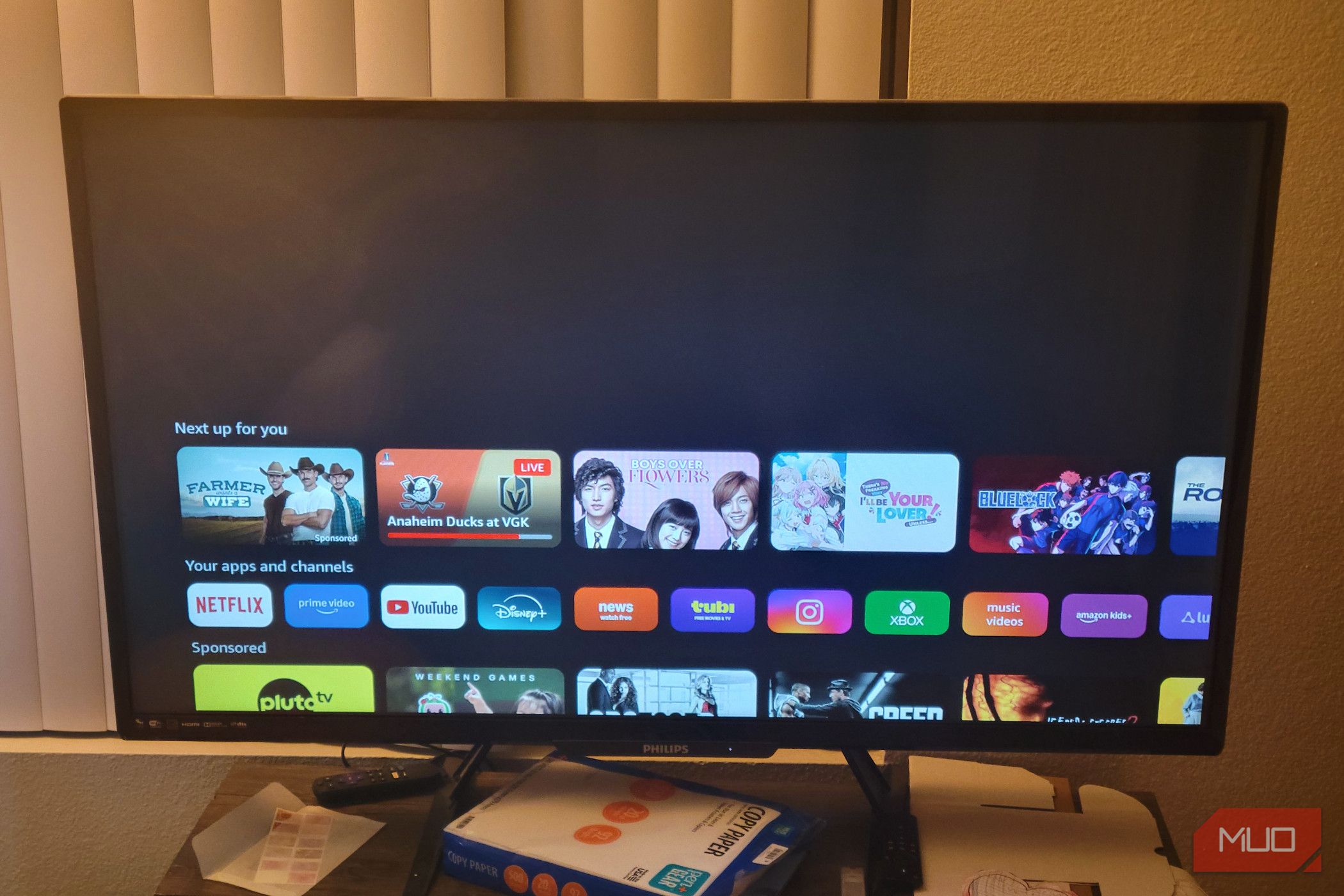
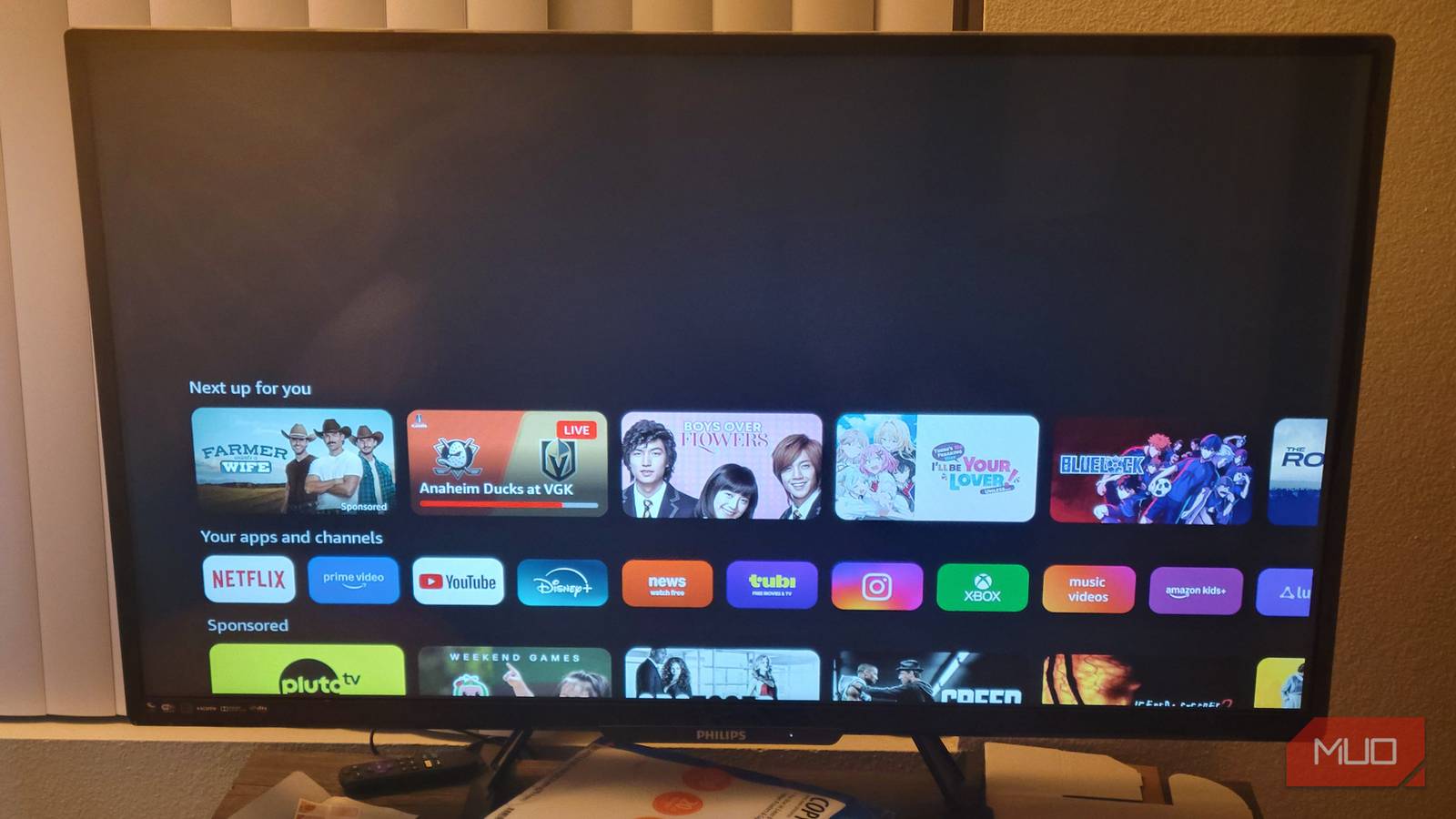
You spent a premium on a smart TV or gaming console, expecting a fast, ad-free experience. Instead, you're hit with loading delays, intrusive ads, and tracking. The culprit isn't your hardware—it's the network layer. Manufacturers sell your data and serve ads to offset hardware costs, but you can fight back without installing a single app.
What Changing Your DNS Actually Does
DNS (Domain Name System) translates website names into IP addresses. By default, your ISP provides DNS servers that don't block anything. Switch to a privacy-focused DNS provider, and it filters out requests to ad servers, trackers, and malware domains before they reach your device. This means:
- Faster loading – No wasted bandwidth on unwanted content
- Increased privacy – Fewer trackers collecting your viewing habits
- Cleaner interface – No banner ads or video pre-rolls
No App? No Problem – How to Change DNS on Your Router
The best part? You don't need to install anything on your TV or console. By changing DNS at the router level, every device on your network gets the benefit. Here's a simple guide:
- Access your router's admin panel (usually via a web browser at an IP like 192.168.1.1)
- Find the DHCP or WAN settings
- Replace the primary and secondary DNS addresses with a blocklist service like AdGuard DNS (94.140.14.14 and 94.140.15.15) or NextDNS (custom)
- Save and reboot the router
Your TV and console will now automatically use these secure DNS servers – no configuration needed on the devices themselves.
Alternative: Change DNS Per Device
If you can't access your router, many devices allow manual DNS changes. On a smart TV, look for network settings → IP settings → switch to static → enter the DNS addresses. For consoles (PS5, Xbox Series X), go to network settings → advanced → DNS manual. It's a few extra clicks, but still no software installation required.
What You'll Notice After the Switch
Reports from users show significant improvements:
- Smart TVs – Home screens load faster; app launch ads disappear; channel lists declutter
- Game consoles – Store pages load quicker; in-game ad pauses vanish; friend lists populate without tracking delays
- Every device – Reduced data usage and lower risk of malware from ad networks
My Personal Test
I switched my router to AdGuard DNS two months ago. My smart TV's home screen now loads in under 3 seconds instead of 10. My PlayStation no longer lags when opening the store. The best part: I didn't install a thing. It's one setting change that pays off every day.
Is This Safe? Will It Break Streaming?
These DNS services are designed to block ads while allowing legitimate content. Major streaming platforms like Netflix, YouTube, and Hulu work perfectly because they don't rely on third-party ad domains for video playback. However, some regional apps or embedded ads within apps may not display – which is exactly what you want.
If a legitimate site fails to load, simply add that domain to your DNS provider's whitelist.
Recommended DNS Providers for Ad Blocking
| Provider | Primary DNS | Secondary DNS | Extra Features |
|---|---|---|---|
| AdGuard DNS | 94.140.14.14 | 94.140.15.15 | Block trackers, malware, phishing |
| Quad9 | 9.9.9.9 | 149.112.112.112 | Threat intelligence, no ad block specifically |
| Cloudflare (with malware) | 1.1.1.2 | 1.0.0.2 | Blocks malware, not ads |
Take Control Without a Single Install
Your smart TV and console are powerful machines, but they're treated as advertising platforms by default. Changing your DNS is a free, quick, and effective way to reclaim performance and privacy. You paid for the hardware – don't let yourself be the product. Try it today and feel the difference.
Related Articles
- Lenovo Unleashes Legion Tab 5th Gen: A Gaming Beast Hits Shelves with a Hefty Price Tag
- 10 Surprising Ways the Arkham Series Shaped the New Lego Batman Game
- Valve Launches New Steam Controller Reservation System Following Record Sell-Out — Queue Aims to Prioritize Fans Over Bots
- A Player’s Guide to Grabbing Lego Batman: Legacy of the Dark Knight Early and Navigating Denuvo DRM
- Build and Play Games on a 1920s-Style Mechanical TV: A Retro Gaming Guide
- May Cloud Gaming Surge: 16 Major Titles Including Forza Horizon 6 Hit GeForce NOW With RTX 5080 Power Boost
- Unlock Smoother Mobile Gaming: How to Use Lossless Scaling Frame Generation on Android
- Unlocking Next-Gen Cloud Gaming: A Guide to GeForce NOW's May 2025 Games and RTX 5080 Performance