Upgrading to Ubuntu 26.04 LTS: Your Questions Answered
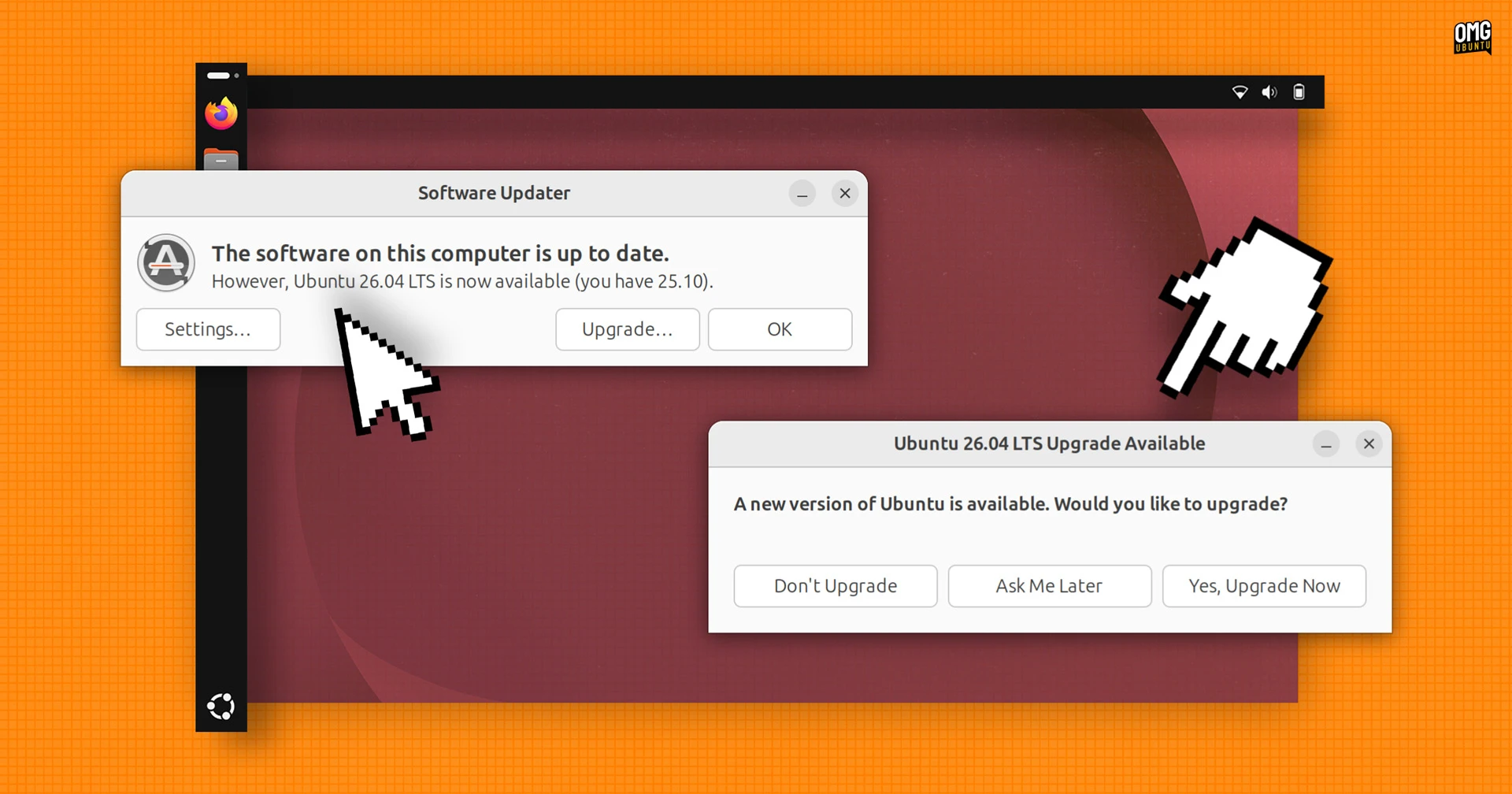
Ubuntu 26.04 LTS (Resolute Raccoon) is now available, and if you’re running Ubuntu 25.10, the official upgrade path is open. With support for 25.10 ending in July, it’s time to make the move. This major LTS release brings GNOME 50, Linux 7.0, fresh folder icons, visual sudo password feedback, and streamlined developer access to NVIDIA CUDA and AMD ROCm. The Snap Store and web search have been integrated into the GNOME Shell Overview, while Ubuntu Pro setup moves to the Security Center. Here’s everything you need to know about the upgrade.
When can I upgrade from Ubuntu 25.10 to 26.04 LTS?
The official upgrade from Ubuntu 25.10 to 26.04 LTS is live as of late April. Canonical released Ubuntu 26.04 LTS on April 23. Because Ubuntu 25.10 is a short-term release, its support cycle ends in July—so upgrading sooner rather than later is advisable to continue receiving security patches and updates. You can trigger the upgrade via the Software Updater or by using the do-release-upgrade command in the terminal. Ensure your system is fully updated before starting.

What are the flagship desktop changes in Ubuntu 26.04 LTS?
Ubuntu 26.04 LTS introduces GNOME 50, delivering a refined desktop experience. The Snap Store and web search functionality are now baked into the GNOME Shell Overview, making it easier to find and launch applications and search the web directly from the activities screen. The release also ships with Linux 7.0, which brings improved hardware support and performance. A new set of folder icons gives the file manager a cleaner look. For developers, both NVIDIA CUDA and AMD ROCm have been added to the default archives, simplifying installation and cutting out third-party PPAs.
What has changed with security and system management?
Security gets a boost with Ubuntu Pro activation now possible directly from the Security Center—no command line needed. Visual password feedback has been added for sudo commands: as you type your password in the terminal, asterisks or dots appear, giving you confidence that keystrokes are being registered. This small but welcome change helps reduce typos. Additionally, the new LTS continues Ubuntu’s commitment to timely security patches, especially with the integrated Ubuntu Pro features (free for personal use on up to five machines).
How does the new developer tool integration work?
Developers will appreciate that NVIDIA CUDA and AMD ROCm packages now reside in the official Ubuntu archives. Previously, you had to add external repositories or use PPAs. Now a simple apt install command fetches the latest CUDA or ROCm toolkit. This streamlines setup for machine learning, scientific computing, and GPU-accelerated workloads. The inclusion also means these tools benefit from the same update and testing pipeline as the rest of Ubuntu. If you’re a developer working with GPU computing, the upgrade to 26.04 LTS makes initial configuration much smoother.
What are the default applications in Ubuntu 26.04 LTS?
Ubuntu 26.04 LTS ships with a refreshed set of default applications. While specific app versions vary, the release includes the latest GNOME Circle apps and improvements to Snap-based packages. The new default apps aim for better integration with the GNOME desktop and improved performance. Notable changes include updated document viewer, image viewer, and text editor applications. The transition to Snap continues, with core applications like Firefox still provided as a Snap by default. The Snap Store’s integration into the GNOME Shell Overview makes discovering and installing new software frictionless.
Should I upgrade to Ubuntu 26.04 LTS from 25.10?
Yes, if you are using Ubuntu 25.10, upgrading to 26.04 LTS is strongly recommended. Support for 25.10 ends in July, after which you will no longer receive security updates. The LTS release offers five years of support (ten with Ubuntu Pro), ensuring a stable and secure operating system. New features—like the GNOME 50 desktop, integrated Snap Store, developer tool archives, and security enhancements—make this a compelling upgrade. Back up your data before starting, but the process is smooth for most users. If you prefer a fresh install, the 26.04 ISO is available for download.
Related Articles
- Essential Security Patches You Must Apply This Week
- How to Diagnose and Fix a CUBIC Congestion Control Bug in QUIC
- Strawberry Music Player: A Feature-Rich Solution for Managing Your Collection on Linux
- Exploring Fedora KDE Plasma Desktop 44: Key Updates and New Features
- How to Enable and Customize Firefox’s Free VPN for Enhanced Privacy
- Your Comprehensive Guide to Installing and Upgrading to Fedora Asahi Remix 44 on Apple Silicon Macs
- Kubernetes v1.36 Debuts Production-Grade PSI Metrics: A New Era for Node-Level Observability
- Linux 7.1 Release Candidate 1 Delivers Major Performance Gains for AMD Threadripper Systems